 Corgi Vault
Your private place, guarded by a corgi
Keep photos, files, notes and seed phrases encrypted on your iPhone. Clean location and faces out of photos before you share them. No account, no tracking, no fuss.
Coming soon to theApp Store
How it works
Lock it with you
Set a PIN, Face ID or a picture password. Your key is created on your iPhone. A recovery key you save lets you get back in, with no account.
Move things in
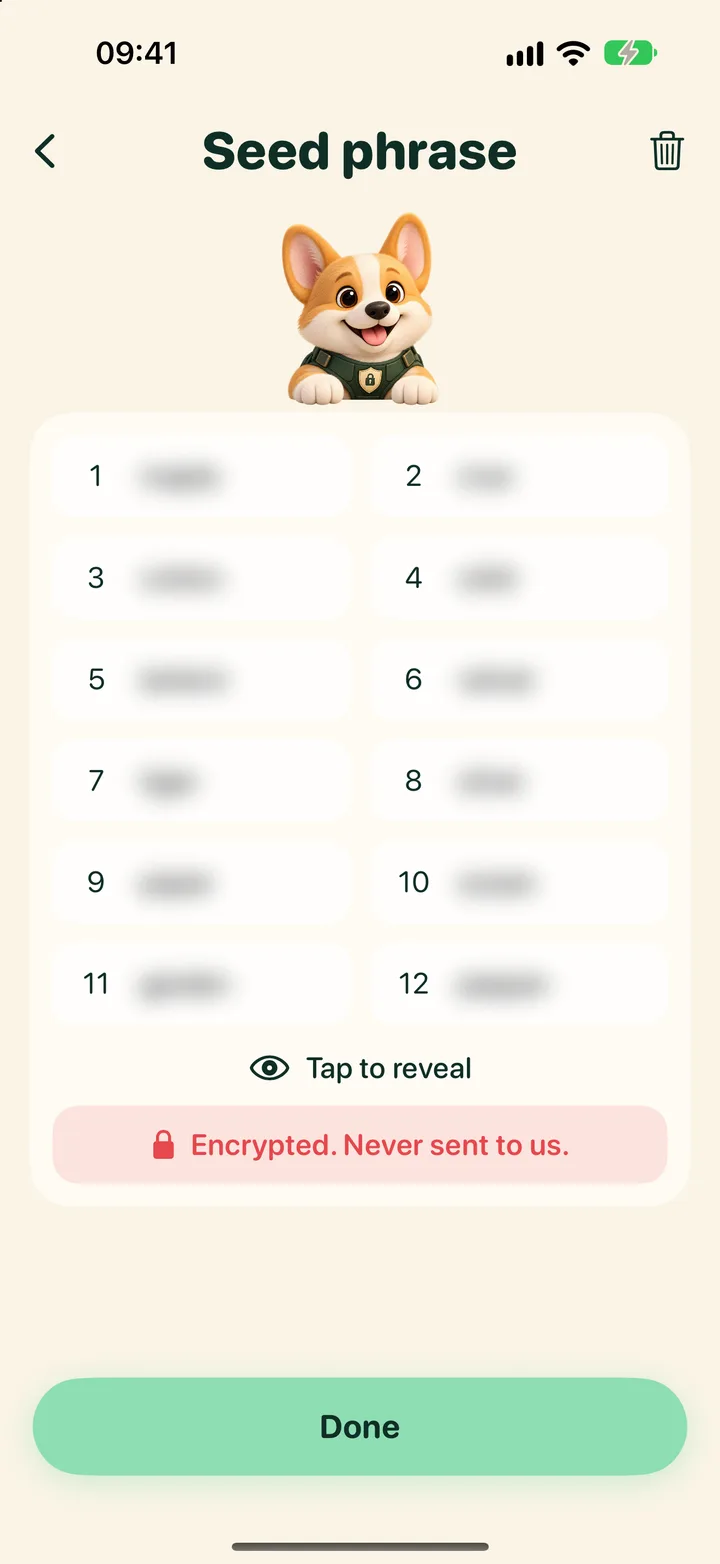
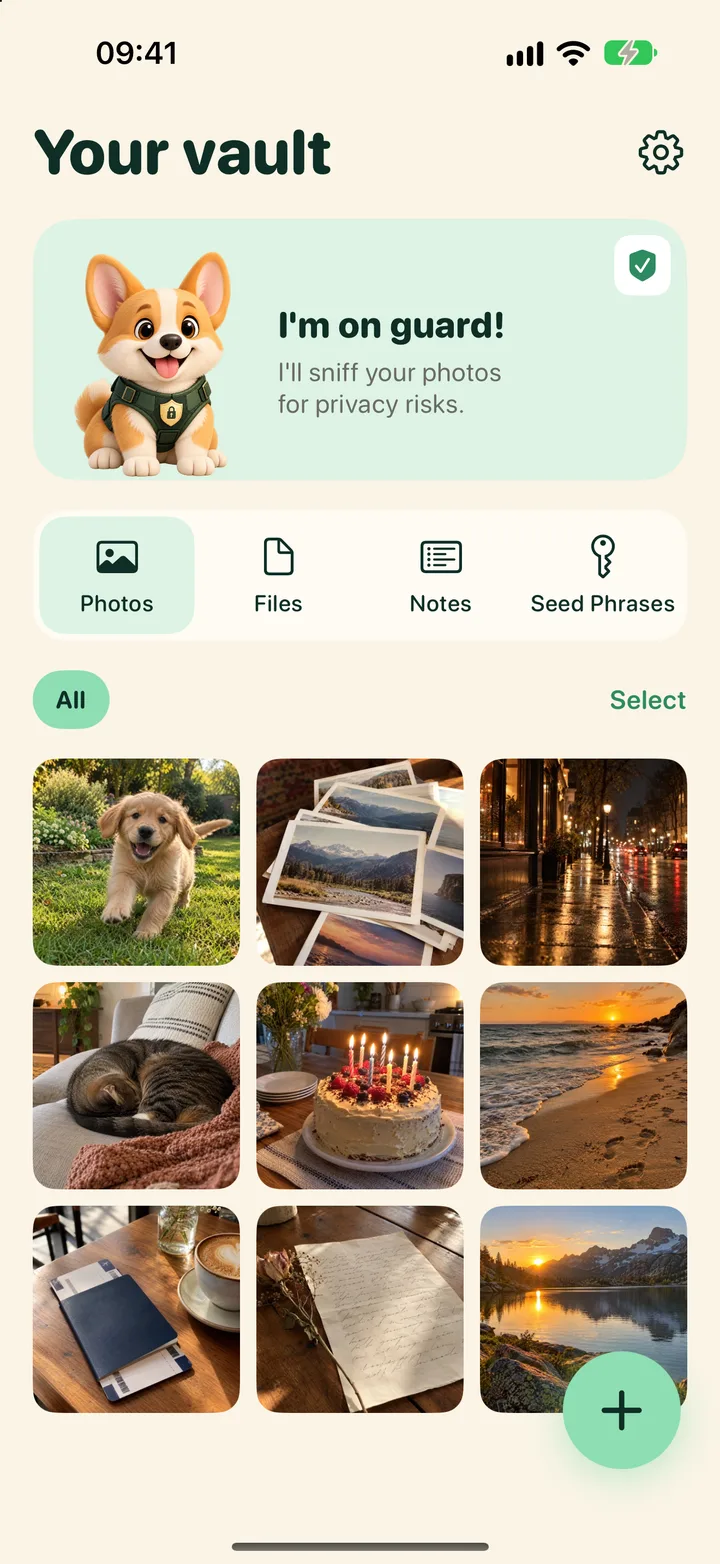
Add photos, files, notes and seed phrases. Each one is encrypted before it is saved.
Share clean copies
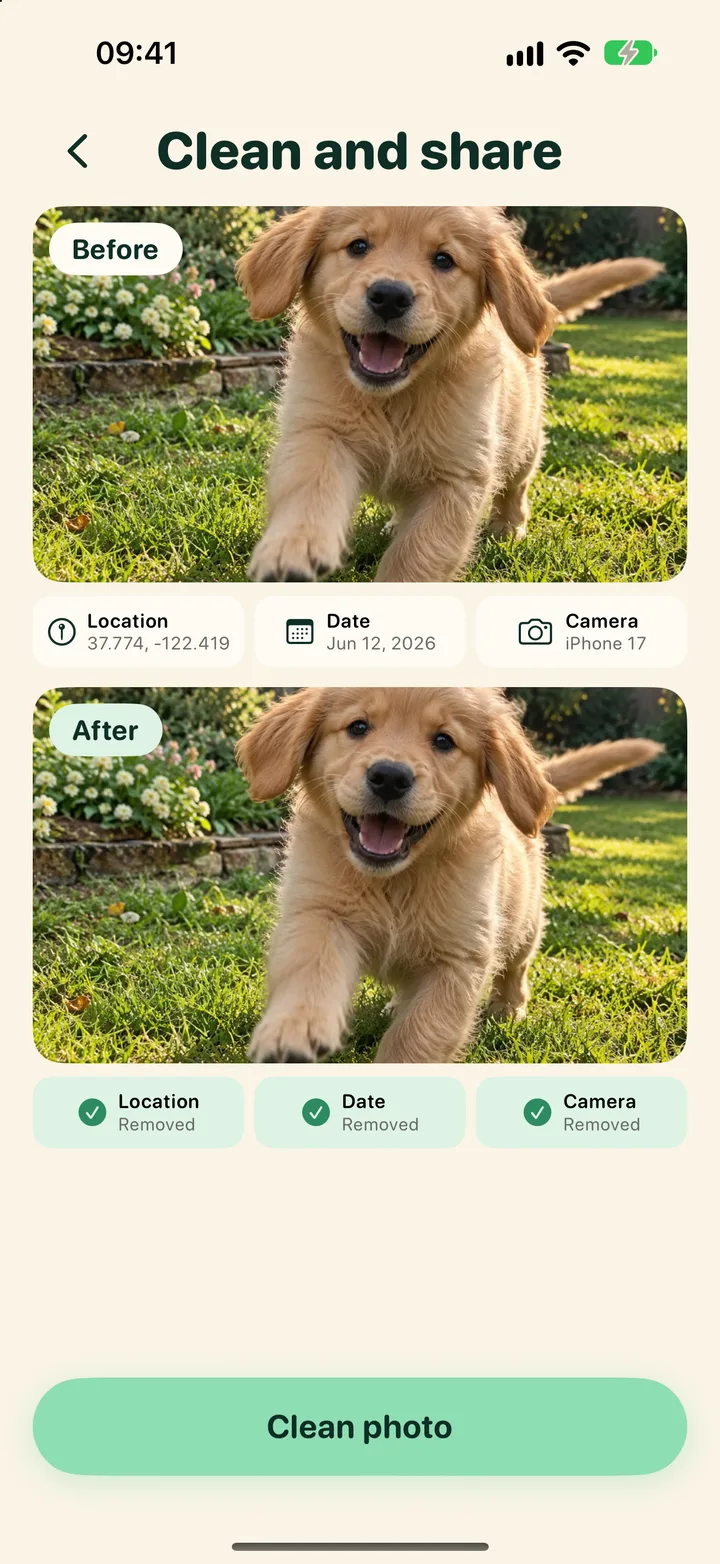
Before you send a photo, the corgi strips its location and helps blur faces, house numbers and plates.
Built private first
Keep it private
- Photos, files, notes and seed phrases encrypted on your iPhone
- Unlock with Face ID, a PIN or a picture password
- No account to create
Share without leaking
- Remove GPS location, date and camera details
- Blur faces, house numbers and licence plates
- Done on your phone, not on a server
Never lose a photo
- Encrypted backup file you can restore on a new iPhone
- Viewing and exporting your own photos is always free
- Your photos are never held hostage: open a backup without the app
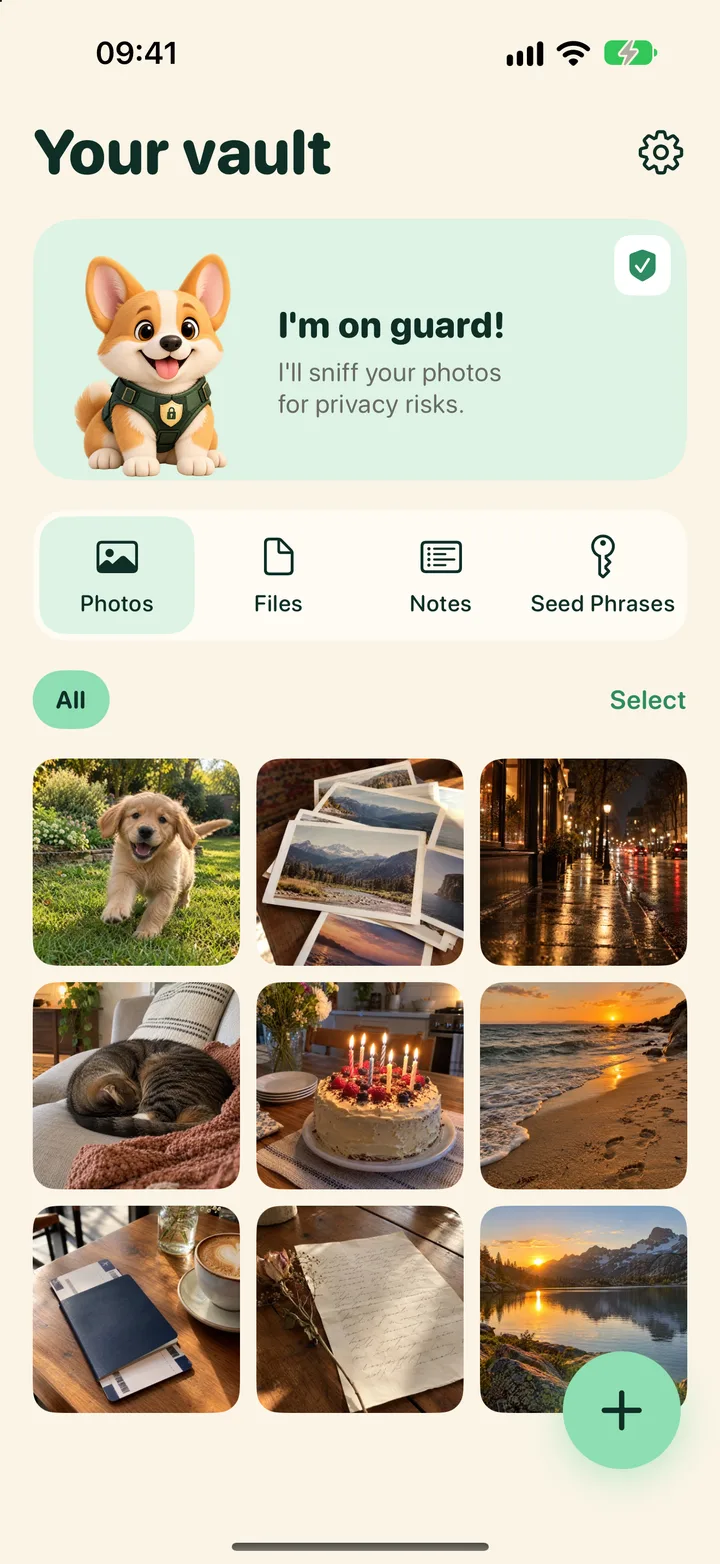
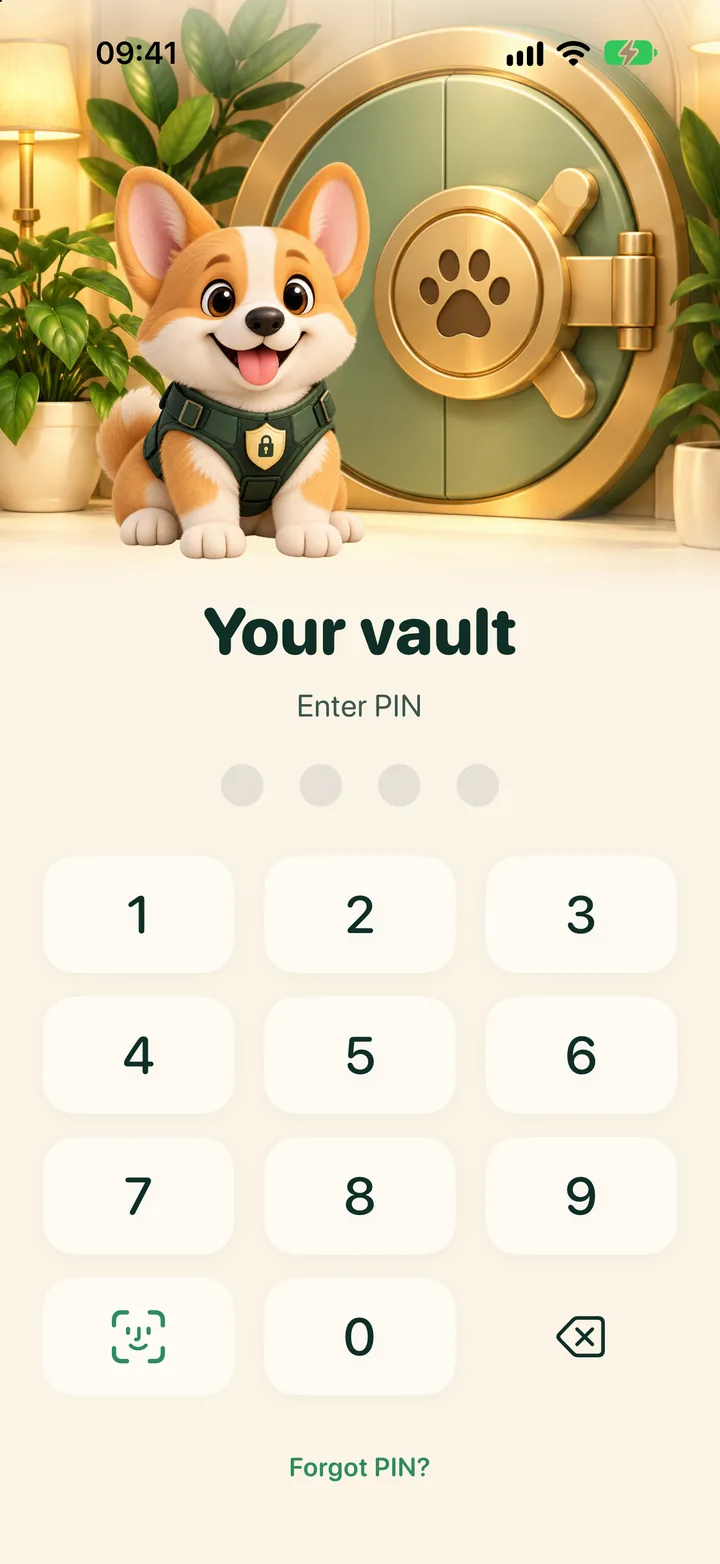
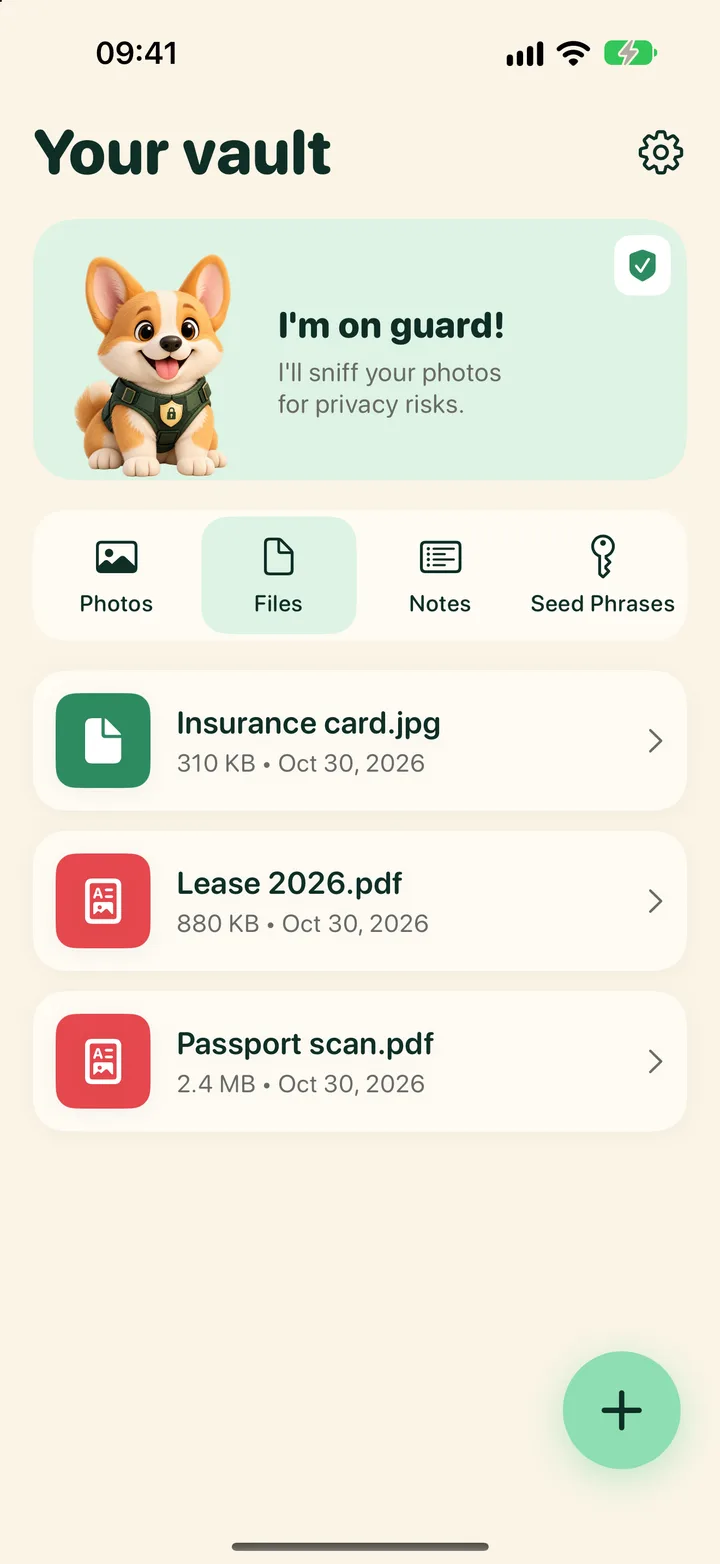
A peek inside
Try the photo cleaner now, free
Remove location and camera data from a photo right in your browser. Nothing is uploaded.
Open the free photo cleanerQuestions
Where are my photos stored?
On your iPhone, encrypted. Corgi Vault does not upload your photos to any server we run.
Do I need an account?
No. There is no sign up and no login besides your own PIN, Face ID or picture password.
What about backup?
Tap Back up now and save one encrypted file to iCloud Drive or anywhere in Files. Only your recovery key opens it, and each backup is checked before it is saved. Backup is free, always.
What does the photo cleaner remove?
GPS location, date and time, camera make and model and other hidden metadata. In the app it can also blur faces, house numbers and licence plates.
If I stop paying, can I still get my photos?
Yes. Viewing, saving out and backing up your own photos is always free.
When is it coming out?
Corgi Vault is in development for iPhone and is coming soon to the App Store.